

6 Camera Movement Techniques You Can Fake in Post-Production
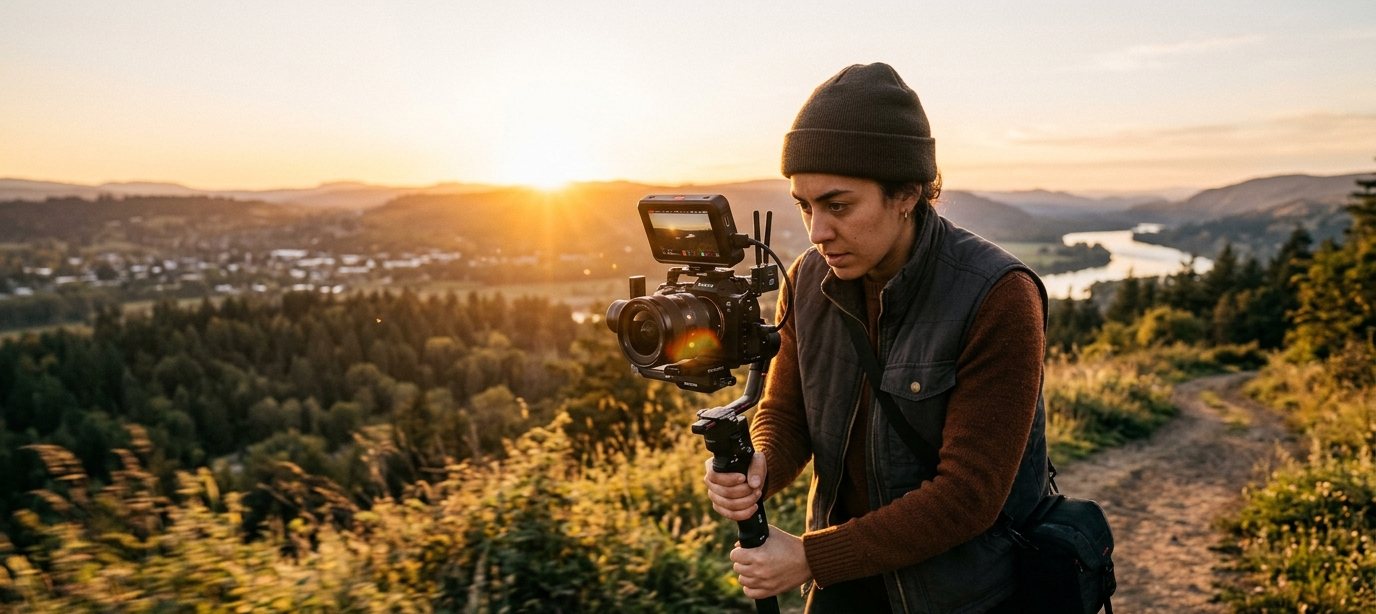
Professional-looking camera movement usually requires gear — a slider, a gimbal, a drone. But several common moves can be recreated after the fact, directly in the edit, using nothing but a static shot and the right software.
A slow, subtle zoom toward your subject over several seconds adds tension and focus without a physical dolly. Keep it slow — a fast digital zoom reads as cheap, a slow one reads as intentional.
Cropping a wide shot and slowly panning across it in post can simulate a camera move across a scene, useful for revealing a product or a second subject.
With a 3D camera tool, a single flat shot can be split into layers and given real depth, so a virtual camera can dolly or orbit through what was originally a static frame — the closest thing to true camera movement without ever picking up a gimbal.
EseCut's 3D camera studio adds real depth and camera movement to flat footage — no gimbal required.
Try the 3D camera free